Manage your pilot car company in one place.
FleetLynk is pilot car company management software. Pilot car (also called escort vehicle) companies and escort companies are the same business, and this is where you run one: your profile, operators, vehicles, certifications and insurance, when a crew is available, and reminders before a card or policy expires. Carriers moving an oversize load find you through your listing.
Certifications & insurance
- TX P/EVO certificationDale PriceWaiting for reviewVerified
- Commercial auto liabilityPrice Pilot CarsVerified
Carrier’s view
Within 100 mi of 79101
Price Pilot Cars
Near 79101, TX · Height pole
Available nowCertification verified
What can a pilot car company manage in FleetLynk?
FleetLynk runs the office side of a pilot car company: the profile carriers read, the people who drive, the vehicles and what each carries, every card and policy with its document, when a crew is available, and reminders before anything lapses. Only the owner and admins change it; other members can look.
Profile & listing
What carriers read about your company, and whether they can find it yet.
- Business name and an About of up to 2,000 characters
- Website, base ZIP and state, and your USDOT number
- A travel radius of 10–3,000 miles
- Up to 10 services, from lead car and chase car to superloads and night moves
- The states you serve
- Which phone and email carriers may see
Operators
Everyone who drives for you, and the cards each one holds. Rename someone and their Verified badges come off until FleetLynk checks again.
Vehicles
Each car, pickup, SUV or bucket truck and its equipment: height pole, amber light bar, Oversize Load sign, radios, cones. Carriers never see plates or unit labels.
Certifications & insurance
State pilot/escort vehicle operator (P/EVO) cards, WITPAC for wind-turbine loads, flagger training and your policies, each with a photo or PDF a person at FleetLynk reviews.
Availability
Post where a crew will be for up to 14 days ahead, or tap Available now. Withdraw a post, and undo it if you tapped by mistake.
Dashboard
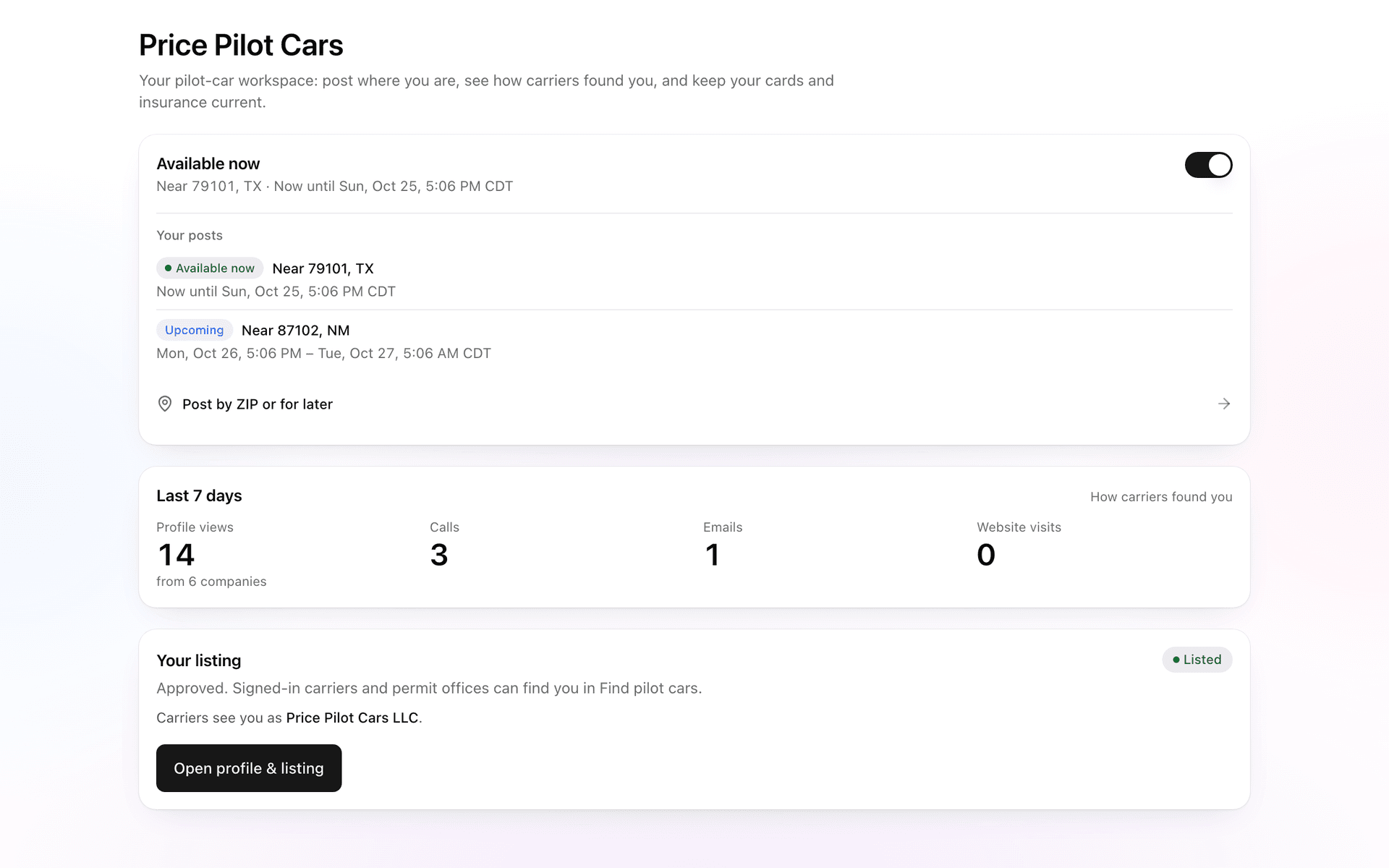
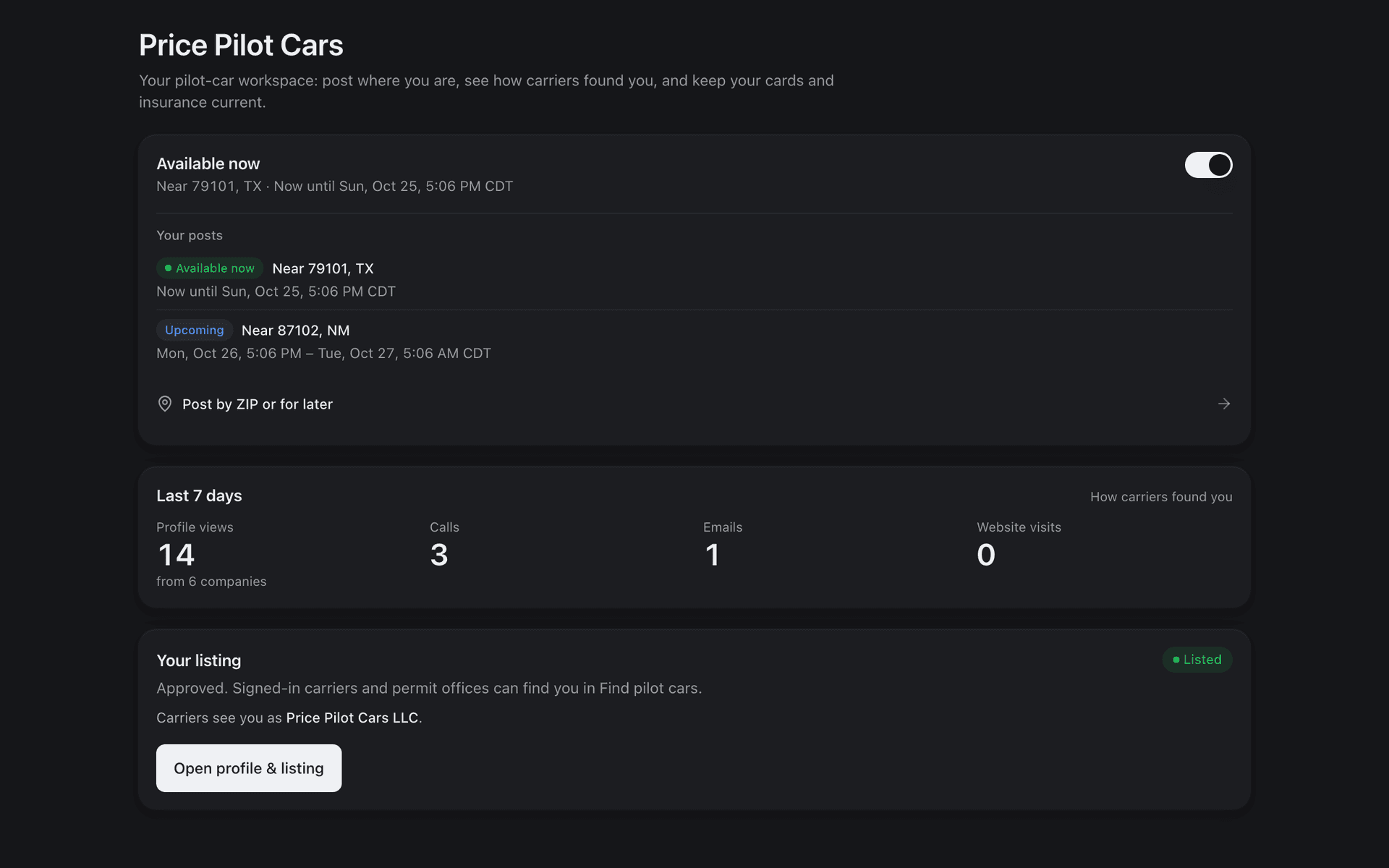
Profile views, calls, emails and website visits from the last 7 days, what needs attention, and where your listing stands.
Invites
Permit offices and carriers you already work with can invite your company with one link, and see once you are listed.
How does a pilot car company get set up?
A pilot car company sets up in FleetLynk from its own account: fill in the profile, add the crew and vehicles, upload each card and policy, then apply to be listed. FleetLynk reviews the listing first, and once it is approved, carriers and permit offices searching near a pickup can see your company.
FleetLynk reviews each listing before it shows: a person at FleetLynk approves it, or tells you what is missing, and until then carriers can’t find your company. What FleetLynk costs a pilot car company is set with you; email support@fleetlynk.co to ask.
- Sign up as a pilot car company with your email and a phone number confirmed by a one-time code. Signing up needs no card.
- Fill in Profile & listing: services, states, base ZIP, travel radius and the phone or email carriers may see.
- Add your operators and vehicles, then upload each card and policy for review.
- Apply to be listed. FleetLynk approves the listing, or tells you what to fix.
- Tap Available now when a crew is free, and carriers searching nearby see it.
How does a Verified badge work?
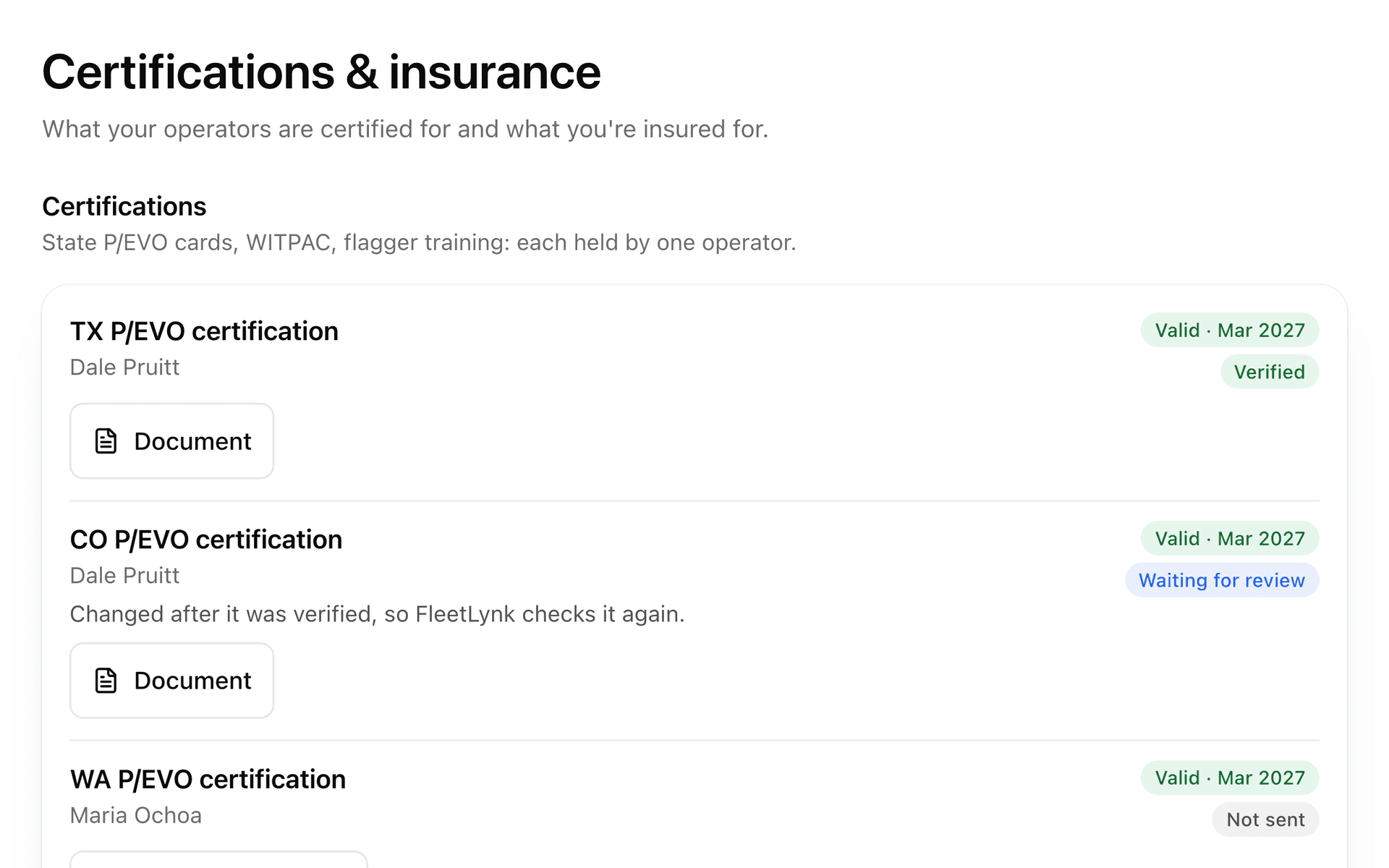
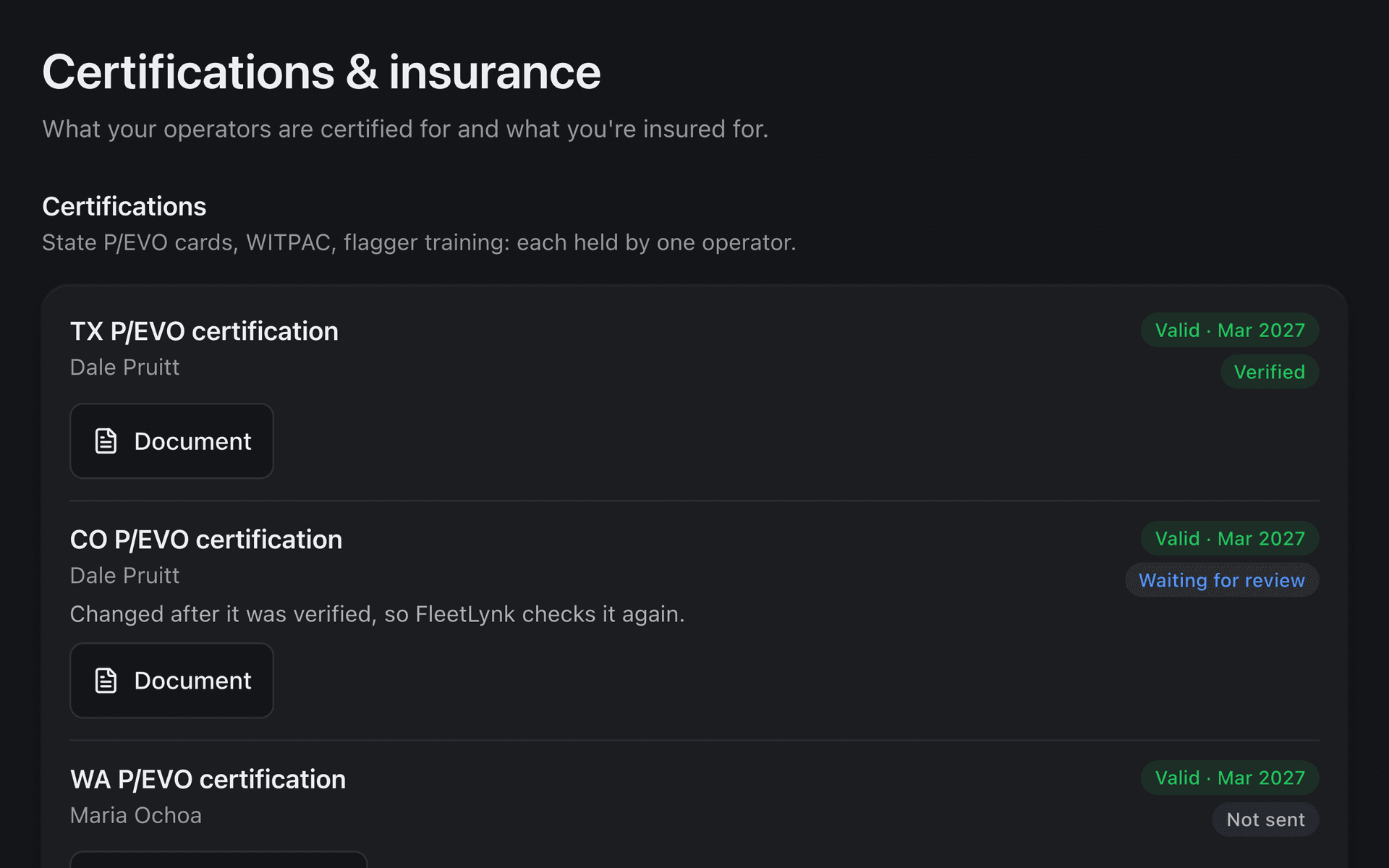
FleetLynk’s Verified badge means a person at FleetLynk opened your document, a card or a policy, and it matched what you typed. Each document moves from Not sent to Waiting for review, then to Verified or Not accepted with a note saying why. Carriers see the badge in their search and on your profile.
- Not sent
Typed in, no document yet.
- Waiting for review
Uploaded; a person at FleetLynk opens it.
- Verified
The paper matched. Carriers see the badge.
- Not accepted
A note says what to send instead.
Change anything on a Verified card or policy, add a new file, or rename the operator, and the badge comes off until FleetLynk checks again. FleetLynk tells you before you save, so the change is never a surprise.
Software also reads each document and points out a detail that differs from what you typed, such as a misspelled name or a different date. One tap uses the document’s value. The reading helps you catch typos; the verdict is always a person’s.
Verified means the paper matched. It is not a promise that a policy is still in force today, so carriers are told to confirm coverage with the insurer.
How do expiry reminders work?
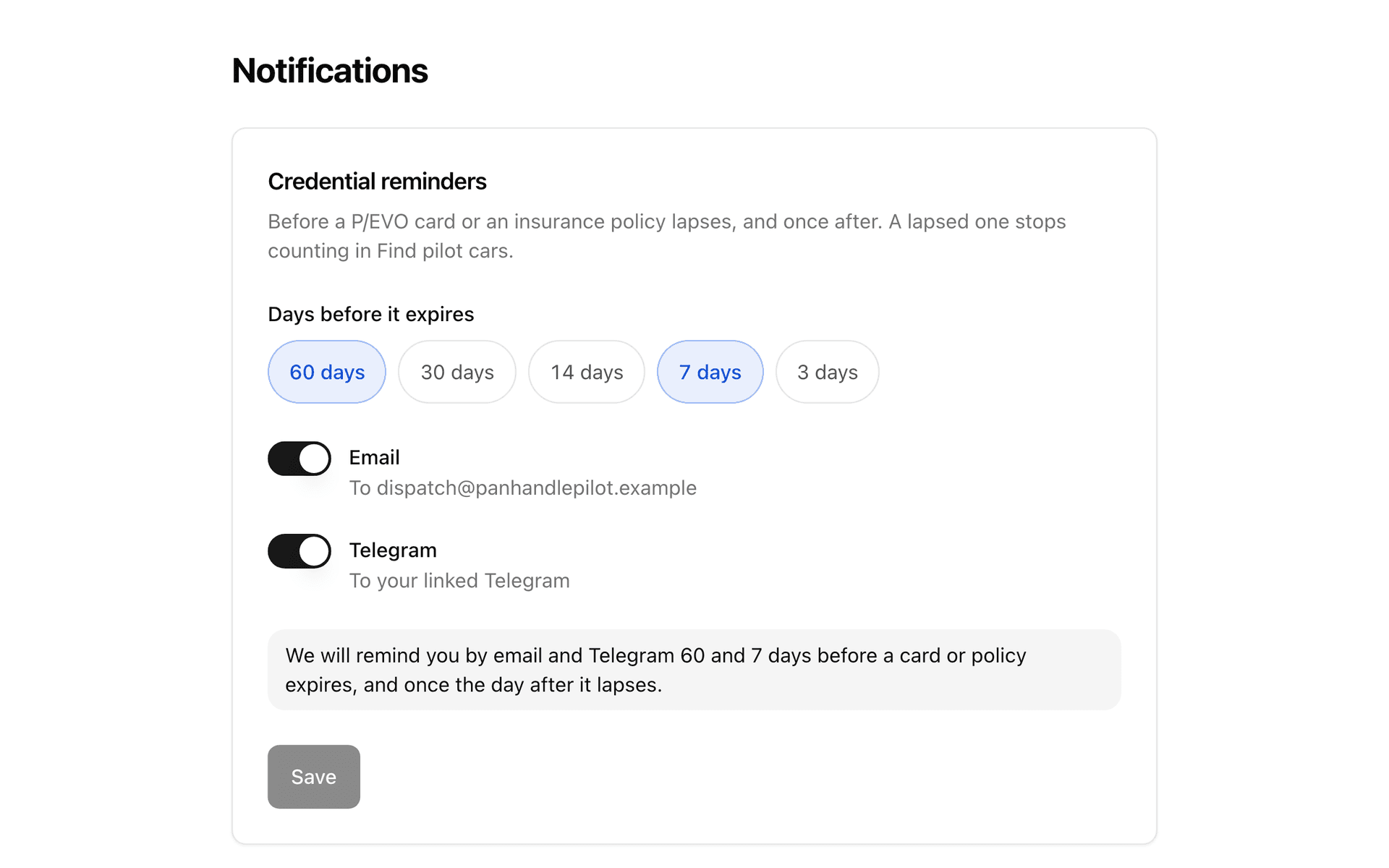
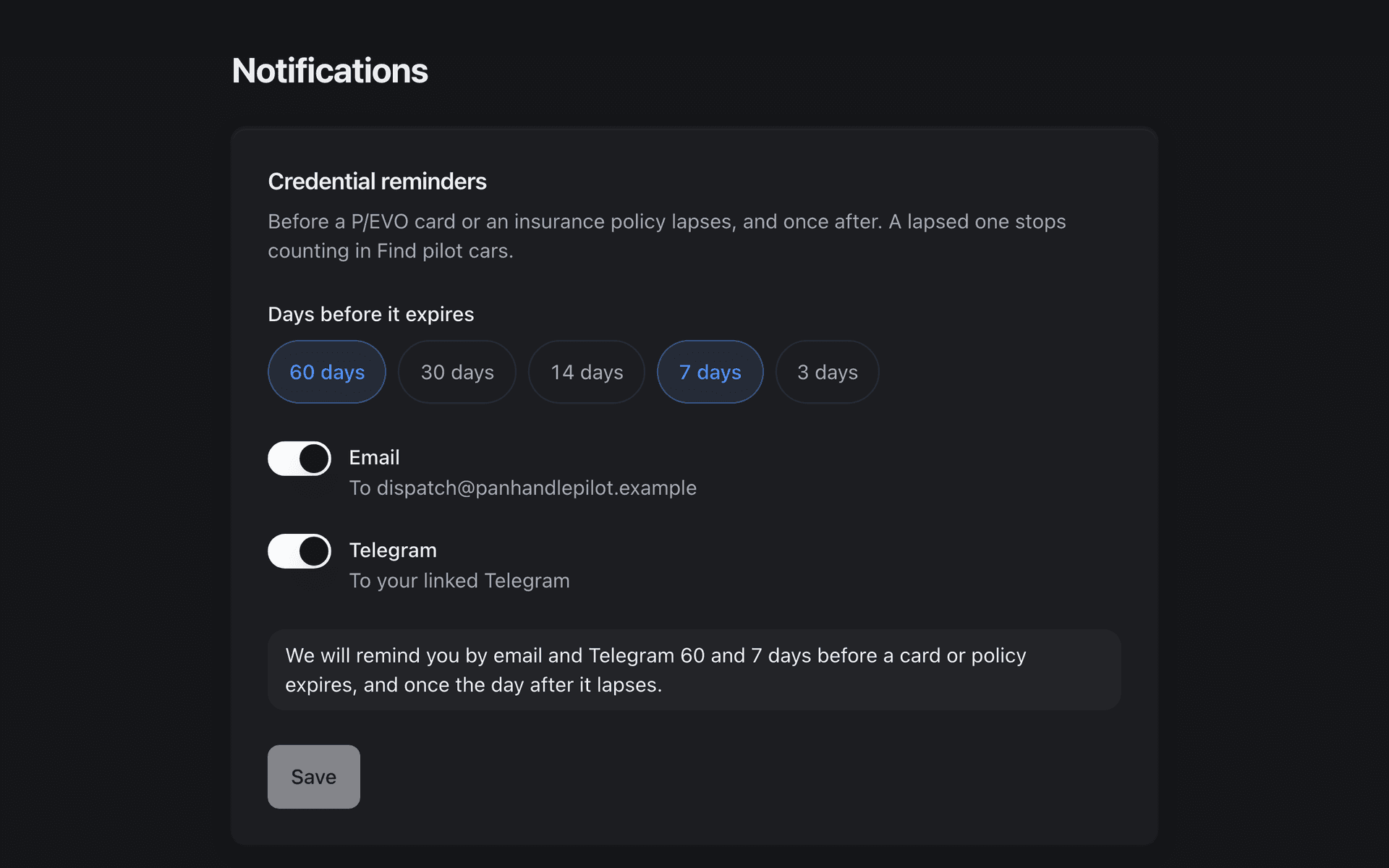
FleetLynk checks every card and policy each morning and reminds the company’s owner and admins before one expires, by email, Telegram or both. You pick the days ahead from 60, 30, 14, 7 and 3; the default is 30, 14 and 3. Each reminder goes once, and one note follows if a document lapses.
Days before it expires
- 60 days
- 30 days
- 14 days
- 7 days
- 3 days
On by default: 30, 14, 3 days
Sent by
- Telegram
A lapsed card or policy stops counting in Find pilot cars, so every reminder says what to do: add the renewal and upload its document, and FleetLynk checks it again.
The same dates drive the Needs attention list on your dashboard, so the reminder and the dashboard never disagree about what is due.
How does “Available now” work?
FleetLynk’s Available now is one switch on the dashboard. Turn it on and your company is posted as available near where your phone is, for the hours you choose; carriers see a point blurred to about 3.5 miles, named by the nearest ZIP, such as Near 79101, TX. Turn it off and every live post comes down.
Planning ahead works from Availability: post that a crew will be near a ZIP or your current location, up to 14 days out, and say which state it’s heading to. A post that has ended drops off by itself, and a withdrawn one can be undone.
Your exact location is kept for your company alone. Carriers, and anyone else searching, only ever read the blurred point.
How does my listing work?
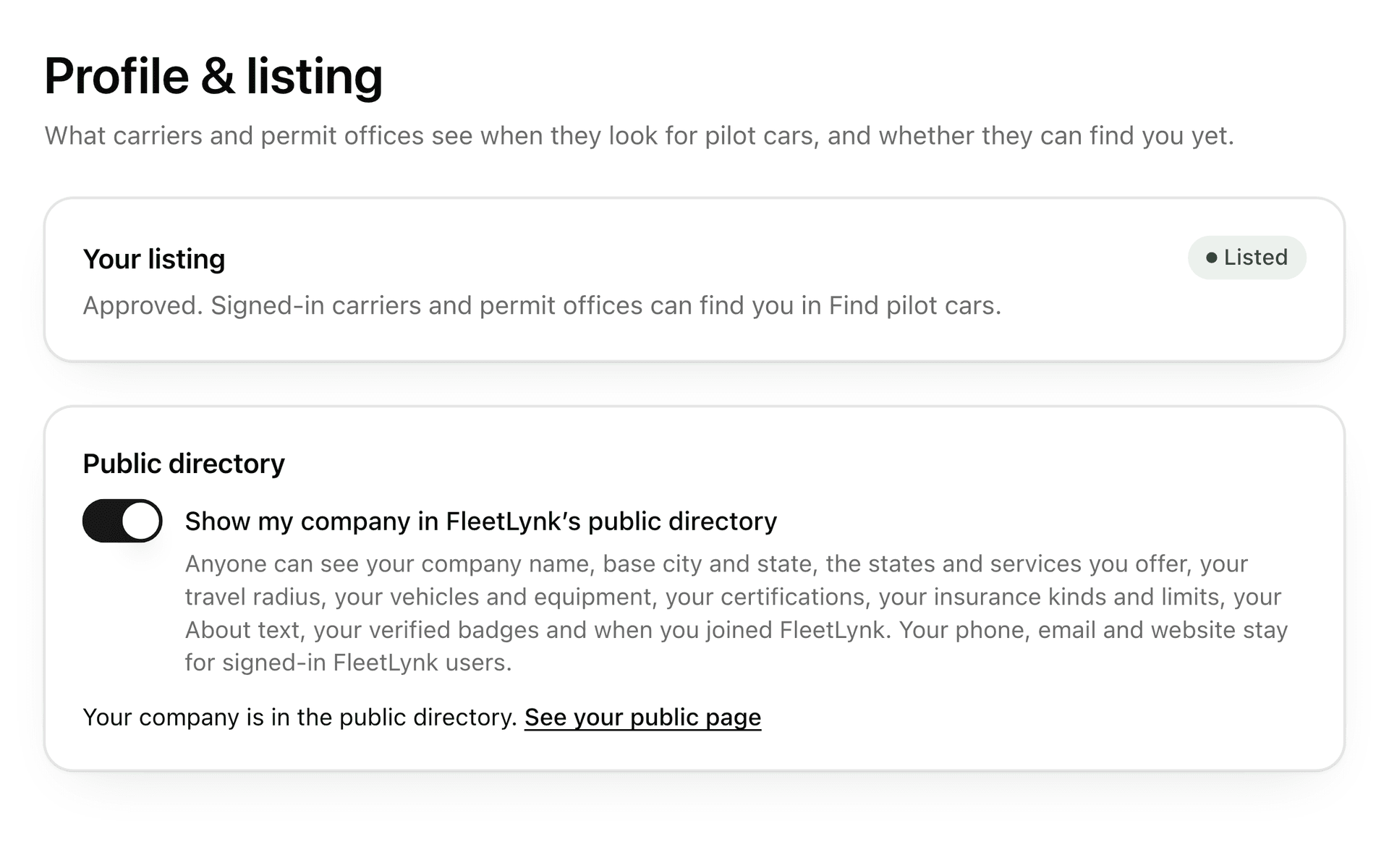
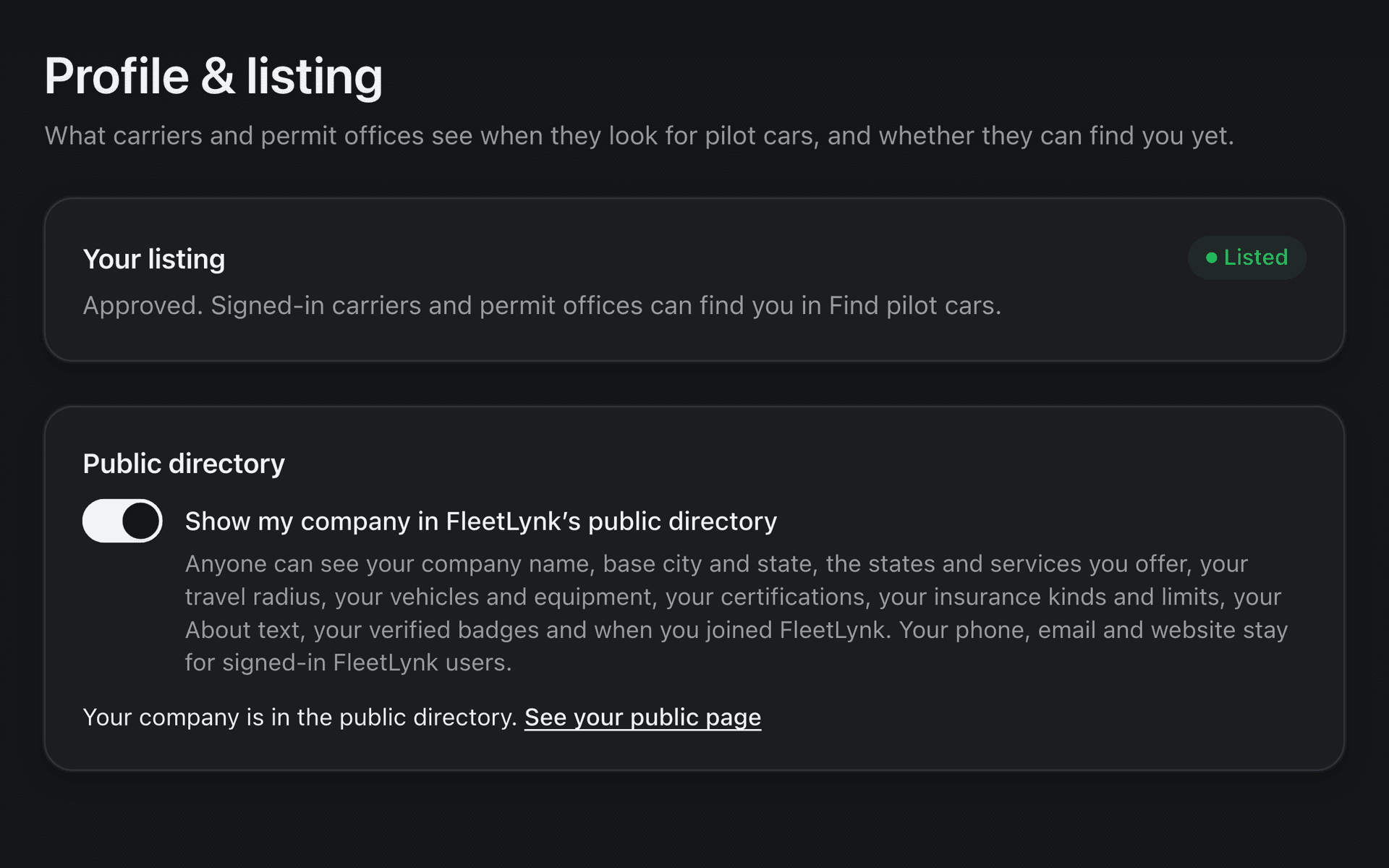
A FleetLynk listing has two parts. Being listed puts your company in Find pilot cars for signed-in carriers and permit offices, once FleetLynk approves it. The public directory is a separate switch: your company appears on its state’s page on fleetlynk.co, without your phone, email or website.
Listed in Find pilot cars
Apply from Profile & listing once you have a service, a state and a phone or email you show. FleetLynk approves the listing or tells you why not. Hide your last phone and email later and the listing leaves search until you show one again.
Shown in the public directory
Turn on the switch and anyone can see your company name, base city and state, services, states, travel radius, vehicles and equipment, certifications, insurance kinds and limits, About text and verified badges. Phone, email and website stay for signed-in FleetLynk users.
Offices and carriers you already work with can invite you with one link. Joining from an invite shares no records either way; it lets them see when your company is listed.
Price Pilot Cars
ExampleAmarillo, TX · Lead car · Chase car · Height pole · travels up to 500 mi
- Insurance verified
- Certification verified
- Phone verified
At a glance
- About
- Up to 2,000 characters about your company.
- Travel radius
- Anywhere from 10–3,000 miles.
- Services
- Pick any of the 10 the search knows.
- Posting ahead
- As far as 14 days out, or Available now.
- What carriers see of your location
- A point blurred to about 3.5 miles.
- Reminder days
- 60, 30, 14, 7 and 3 days before a document expires; you choose.
- Who edits
- The owner and admins; members can look.
- Who checks documents
- A person at FleetLynk, never software alone.
- Invites
- One link from a permit office or a carrier you work with.
What FleetLynk doesn’t do. FleetLynk doesn’t hand your company jobs or send your invoices: carriers who see your listing call or email you, and you agree the work between you. FleetLynk keeps the company’s records, documents and listing.
Frequently asked questions
Do I have to be listed publicly?
Who in my company can change the profile?
What happens when a card expires?
Is my exact location shown to carriers?
Can a carrier hire my company inside FleetLynk?
What happens after I apply to be listed, and what does it cost?
Where should a pilot car company go next?
Put your pilot car company on FleetLynk.
Sign up as a pilot car company and start with your profile; signing up needs no card. Or email support@fleetlynk.co and we’ll help you set it up.