Run your truck like a fleet of one.
FleetLynk is owner-operator permit software that also keeps your numbers. Apply for permits and follow each state on the route, scan rate confirmations and receipts, and see your real cost per mile. A Take it, Tight or Skip it verdict helps you judge a load, and weekly statements show what you’re owed.
Axle spacings · remembered
Houston → Oklahoma City
- TXWaiting to startFiled with the statePermit in hand
- OKWaiting to startFiled with the statePermit in hand
Should I take this load?
Against your real cost per mile.
How do I get oversize permits as an owner-operator?
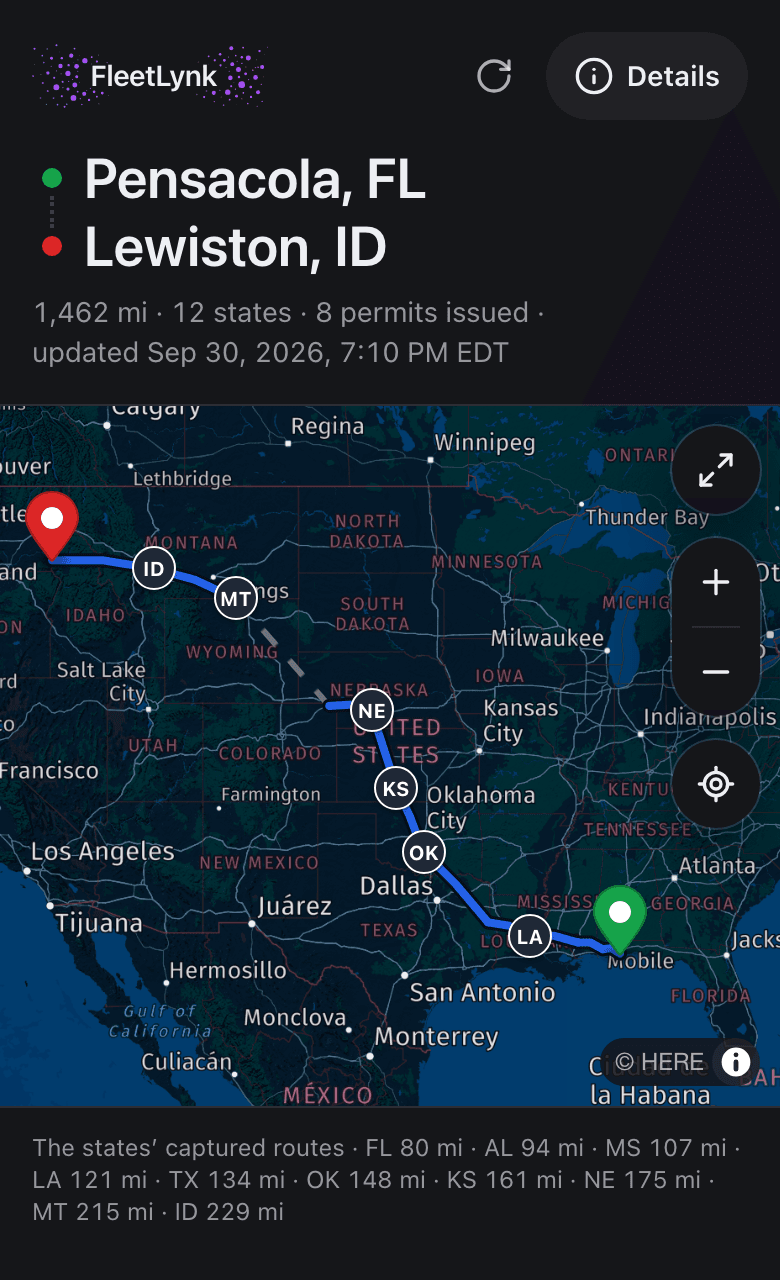
An owner-operator applies through FleetLynk the same way a fleet does: connect once to a permit office that works on FleetLynk, then send each trip on its form. Your truck and trailer are already there, the axle spacings inside each unit come back from its last trip, and every state on the route shows its own status.
You only type what changes from load to load: the weights, the gap between the truck and the trailer, today’s trailer length. The office checks your application, files each state, and you watch it go from Waiting to start to Permit in hand.
Running on your own MC and USDOT or leased onto a carrier, both work. Each load remembers the lease it was saved under, and nobody can change that later.
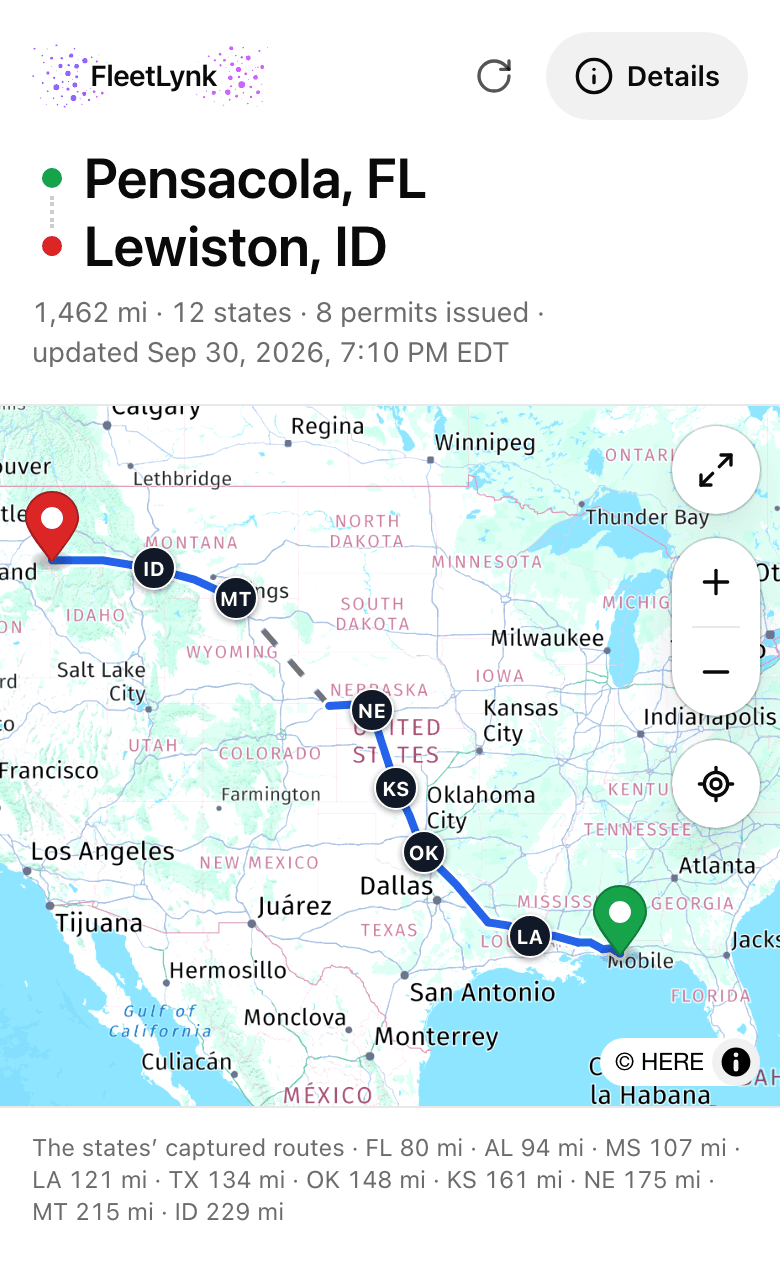
- Add your truck and trailer to My Fleet once; a registration scan fills the truck in.
- Connect to a permit office on FleetLynk and apply for the trip. Your rig and its axle spacings are already on the form.
- Follow each state on the route until it reads Permit in hand, and let the office send the driver link.
- Scan the rate confirmation, the receipts and the fuel-card statement as you run.
- Check the next offer in Should I take this load? before you say yes.
How do I know my cost per mile?
FleetLynk works out an owner-operator’s cost per mile from what you actually spend. Snap a receipt or upload a whole fuel-card statement and the expenses fill in. The Money page turns your loads and expenses into cost per mile and profit, and tells you when there is too little data to trust the number.
A service you paid for yourself in Maintenance counts toward the cost per mile; one a carrier’s shop or a warranty covered adds nothing. Old history comes in from a spreadsheet, so the first month already has a basis.
No signal at the shipper? Expenses and photos of signed delivery papers wait on your phone and go up when you are back online.
Should I take this load?
FleetLynk’s Should I take this load? check weighs an offered rate against your real cost per mile. Type the rate, the loaded miles and the deadhead (empty miles to the pickup), and it answers Take it, Tight — your call, or Skip it, with your net pay and the estimated cost beside the verdict, the carrier’s cut already taken out.
- Take it
- Tight — your call
- Skip it
When your cost setup isn’t finished, the card says so instead of guessing. When it can’t read your carrier’s cut, it won’t call the load at all, because counting money you never see as profit would turn a losing load into a yes.
How do rate confirmations and delivery papers get in?
In FleetLynk a load is one paid haul: the broker, the stops, the rate and the miles. A photo of the rate con (the rate confirmation your broker sends) fills it in, the miles are measured for you, and a scan of the signed POD (proof of delivery) or BOL (bill of lading) moves the load to Ready to invoice.
The receiver signs the POD, and the BOL rides with the freight; a scan of either one counts. FleetLynk measures the loaded miles and the deadhead from your last drop.
Several loads can be grouped into one trip. The delivery time is stamped when a load first reaches Delivered, and that stamp is what puts it on the right week’s statement.
What would the permits cost for my load?
Permigo, a permit company that runs on FleetLynk, has a public permit cost calculator. This link opens it with an example load filled in: a step deck, Houston, TX to Oklahoma City, OK. Change anything.
How do weekly statements work?
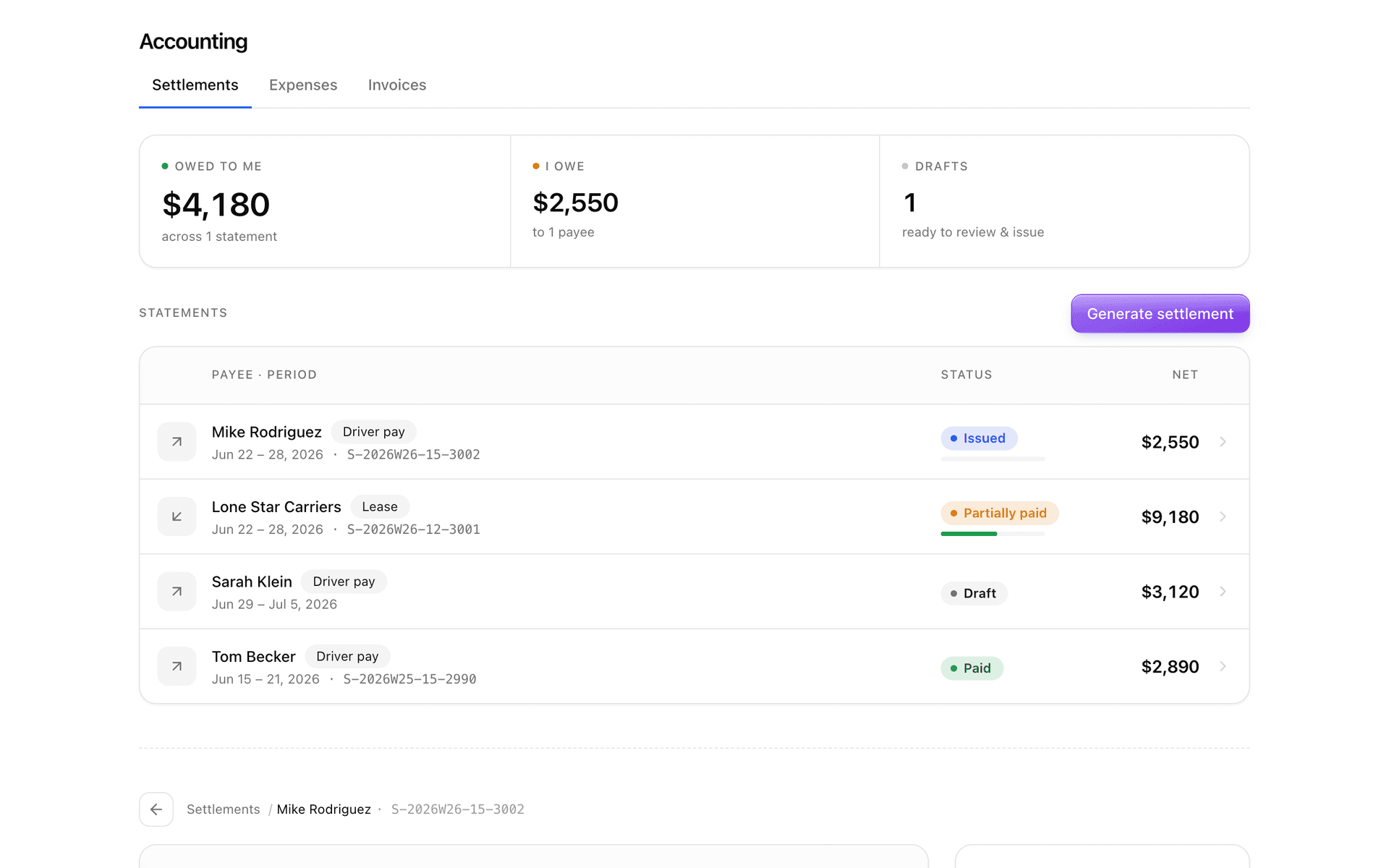
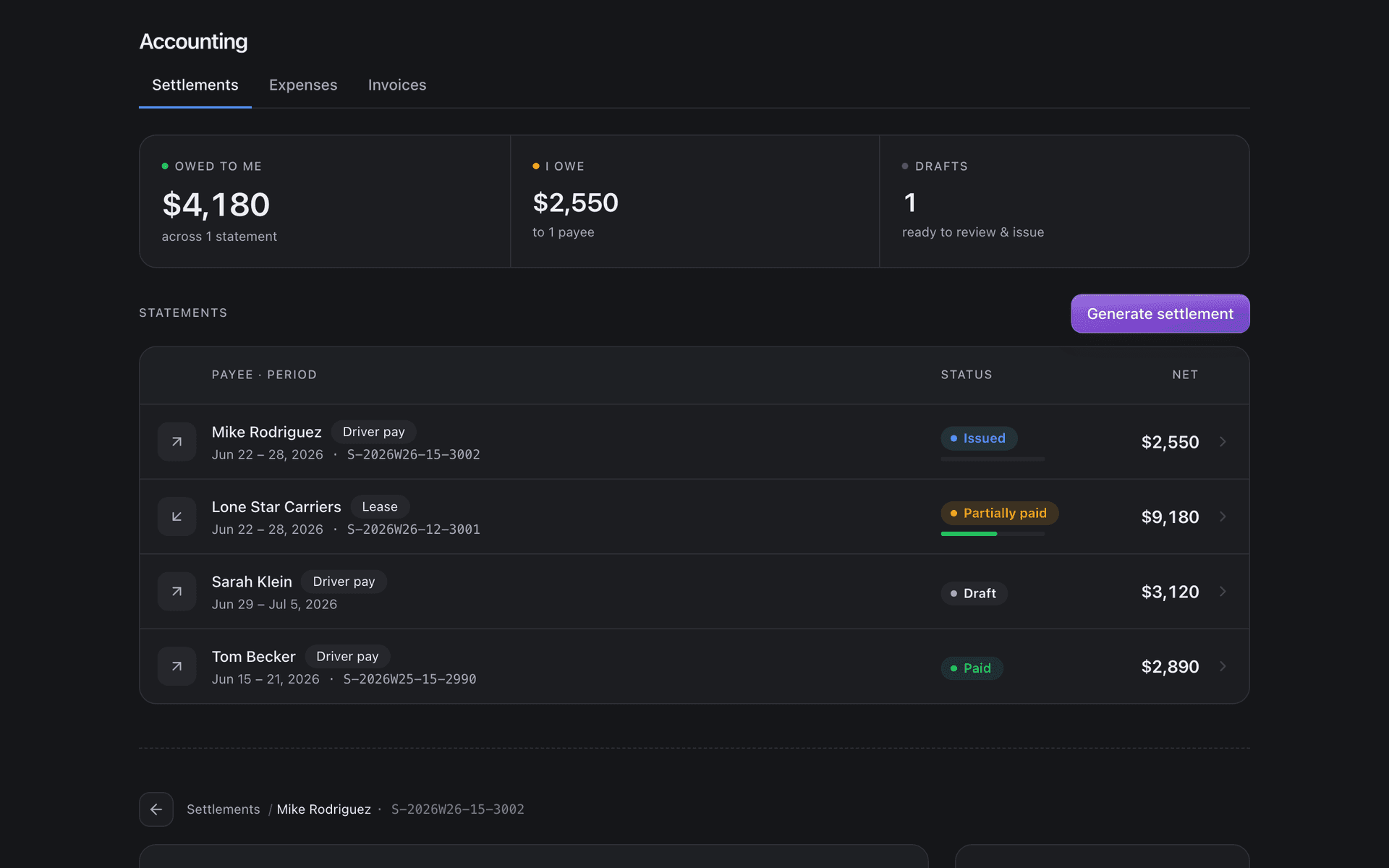
Each week the payer makes a statement in FleetLynk from the loads delivered that week: for a lease, the gross minus the carrier’s cut and any weekly lease fee; for a driver you hired, his pay at the terms you set. Once issued it is frozen, and the other side says it looks right or disputes it.
A draft can be redone until it is issued. FleetLynk does the math and keeps the record. It never moves the money: the payer records what was paid, and both sides see the same statement.
Leased to a carrier that isn’t on FleetLynk? You can make your own statements against the lease, so the weekly numbers are there either way.
What to look for in permit software as an owner-operator
Permit software for a one-truck business has to save time on every trip instead of adding a second job. These are the things worth checking in any tool you try, each with the way FleetLynk handles it today, so you can compare like for like.
Your rig saved once. FleetLynk keeps your truck and trailer in My Fleet, and the axle spacings inside each unit come back from its last trip.
A status for each state, not one for the whole trip. Every state on the route reads Waiting to start, Filed with the state or Permit in hand.
Permits that reach the driver without an app. The permit office sends one link per trip: no login, no money shown, gone after 90 days.
Costs you can read. Each permit’s cost shows line by line on the trip, and the invoice copies the same lines.
Your numbers next to your permits. Receipts and fuel-card statements turn into cost per mile, and Should I take this load? checks a rate against it.
Paperwork that warns you first. Expiry chips on dated papers, and maintenance reminders by miles or by days.
Statements both sides can check. Weekly lease and driver-pay statements are frozen once issued, then acknowledged or disputed.
A start that asks little. Signup needs no card, and pricing is set with you by email.
Where do my truck’s papers and services live?
FleetLynk keeps an owner-operator’s truck, trailer and paperwork together in My Fleet. Registration, inspection and insurance dates show a chip that counts down before they expire, Maintenance reminds you by miles or days, and Documents holds every file with a list you can export for an auditor or an insurer.
A loan card on the truck shows what you still owe, your equity and the payoff date. Owned, leased or rented equipment can all be added; a scan of the registration fills in the truck.
At a glance
- Verdicts
- Take it, Tight — your call, Skip it: against your real cost per mile.
- Scans
- Rate confirmations, PODs and BOLs, receipts and whole fuel-card statements.
- Statements
- Weekly, for a lease or a hired driver; frozen once issued; acknowledged or disputed.
- Authority
- Your own MC and USDOT, or leased onto a carrier; each load keeps the lease it was saved under.
- Driver link
- One per trip from the permit office. No login, never shows money, expires after 90 days.
- Reminders
- Maintenance by miles or days; a chip on every dated paper before it expires.
What FleetLynk doesn’t do. FleetLynk doesn’t file permits or move settlement money: a permit office on FleetLynk files each state, and statement money changes hands between you and the payer the way it does today.
Frequently asked questions
Can I use FleetLynk without a carrier?
How is a lease statement worked out?
Does FleetLynk move my settlement money?
Can I scan receipts with no signal?
What if my permit office isn’t on FleetLynk?
Where should an owner-operator go next?
Run your truck on real numbers.
Sign up as an owner-operator in a few minutes, or email support@fleetlynk.co and we’ll walk you through it.