Run your permit office on FleetLynk.
FleetLynk is permit service software: the system a permit office runs on, not a service that buys permits for you. Carrier applications and customer web orders wait in one Received inbox, and trips your team types go straight onto the boards. Each trip gets a status for every state on its route, a filing sheet for each portal, one driver link and an invoice built from what you recorded.
- Carrier application
- Owner-operator application
Trip #1042 · Web form
Houston, TX → Atlanta, GA
Make the trip- CarrierHarbor Line
- PickupHouston, TX
- DeliveryAtlanta, GA
3 copied
Invoice · Trip #1042
Built from the recorded costs
How do orders reach my office?
FleetLynk brings every order into one Received inbox. Your team types trips straight onto the boards; carriers, owner-operators and drivers apply on your form; customers with no account send web orders through your office’s link. Received keeps them oldest first, with no cut-off date, until someone checks each one and sends it to the board.
A web order carries its company, driver, truck and trailer. Make the trip puts them in your Directory and opens New trip already filled in, so nobody retypes the customer’s message.
A trip with no states can’t be sent, because it would file nothing. While a trip waits on Received, only an Admin or a Team Lead can change its load and its sizes, and your Telegram chat hears about every new application or order.
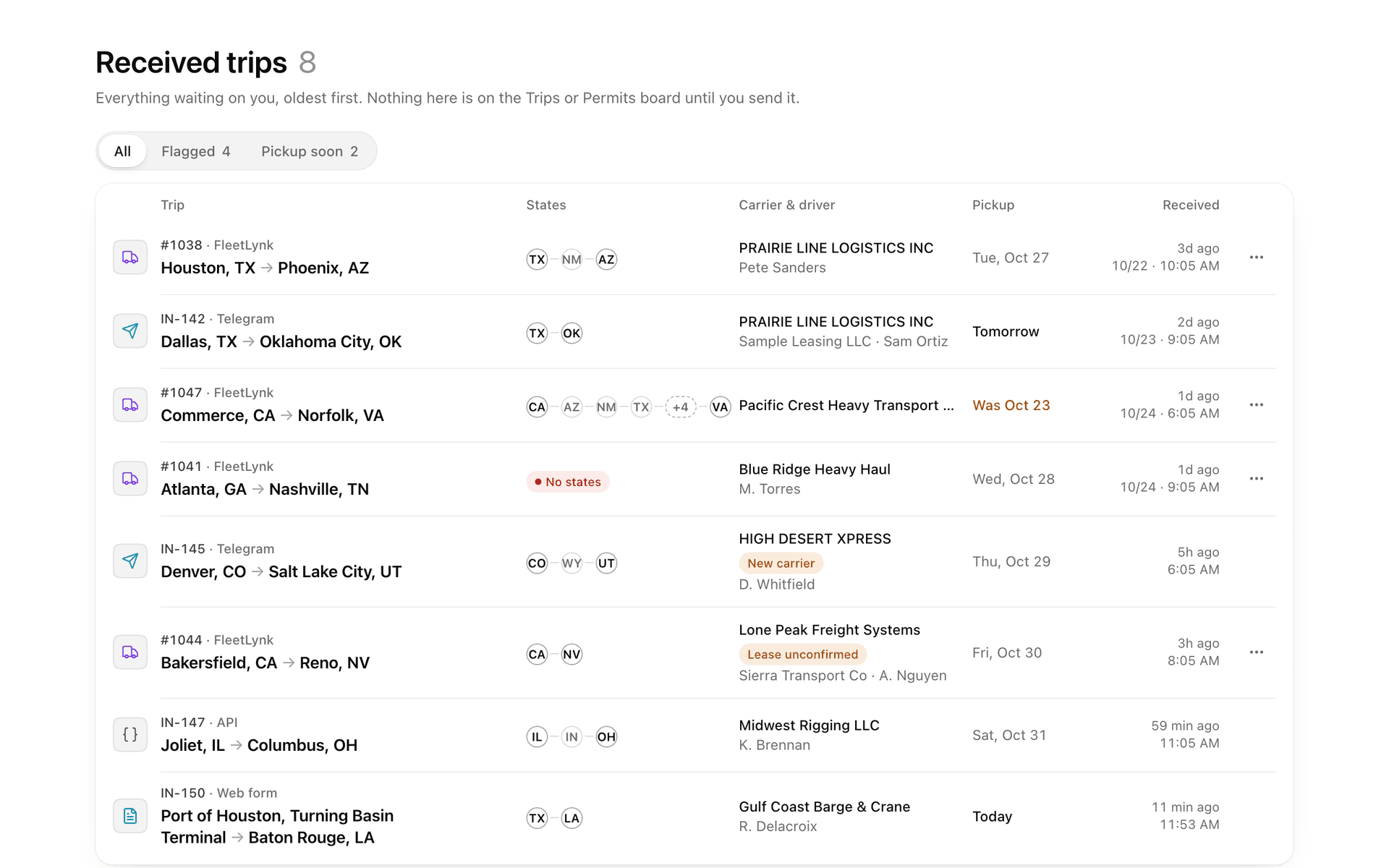
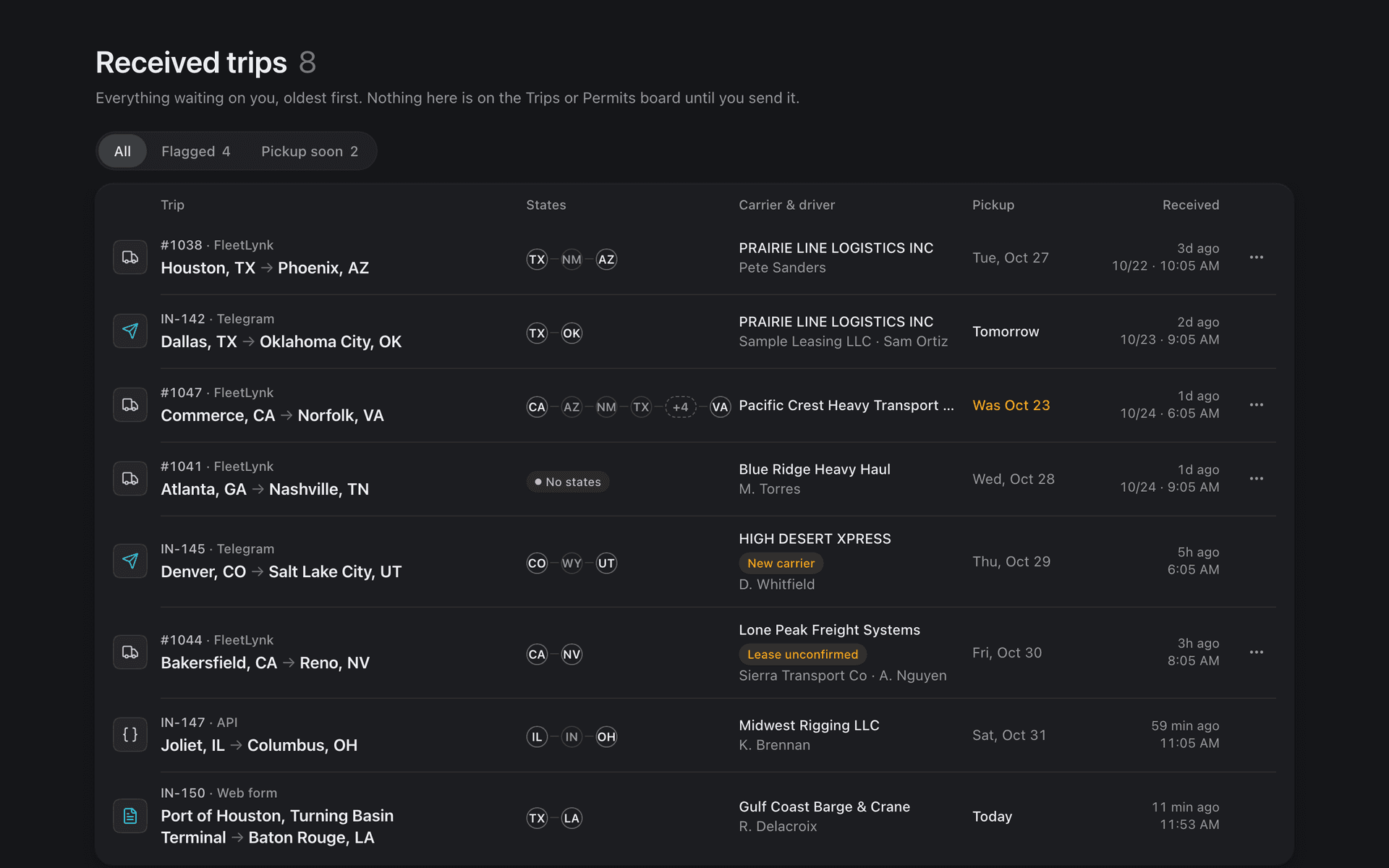
- Applications from your carriers, owner-operators and drivers, and orders from your website link, land in Received, oldest first.
- Check each one, press Make the trip for a web order, and send the trip to the board.
- File each state from its filing sheet, popped out beside the state’s portal; the status moves by itself.
- Upload each permit. The AI writes the driver’s briefing and the permit goes to his one link.
- Bill the trip or the week from the costs you recorded, and send the invoice’s link.
How does each state get filed?
FleetLynk gives every state on a trip its own permit line, called a leg in the app: one piece of desk work, filing that state’s permit and getting it to the driver. The permit check on the trip form routes the truck and marks each state, and the status moves by itself as your team files.
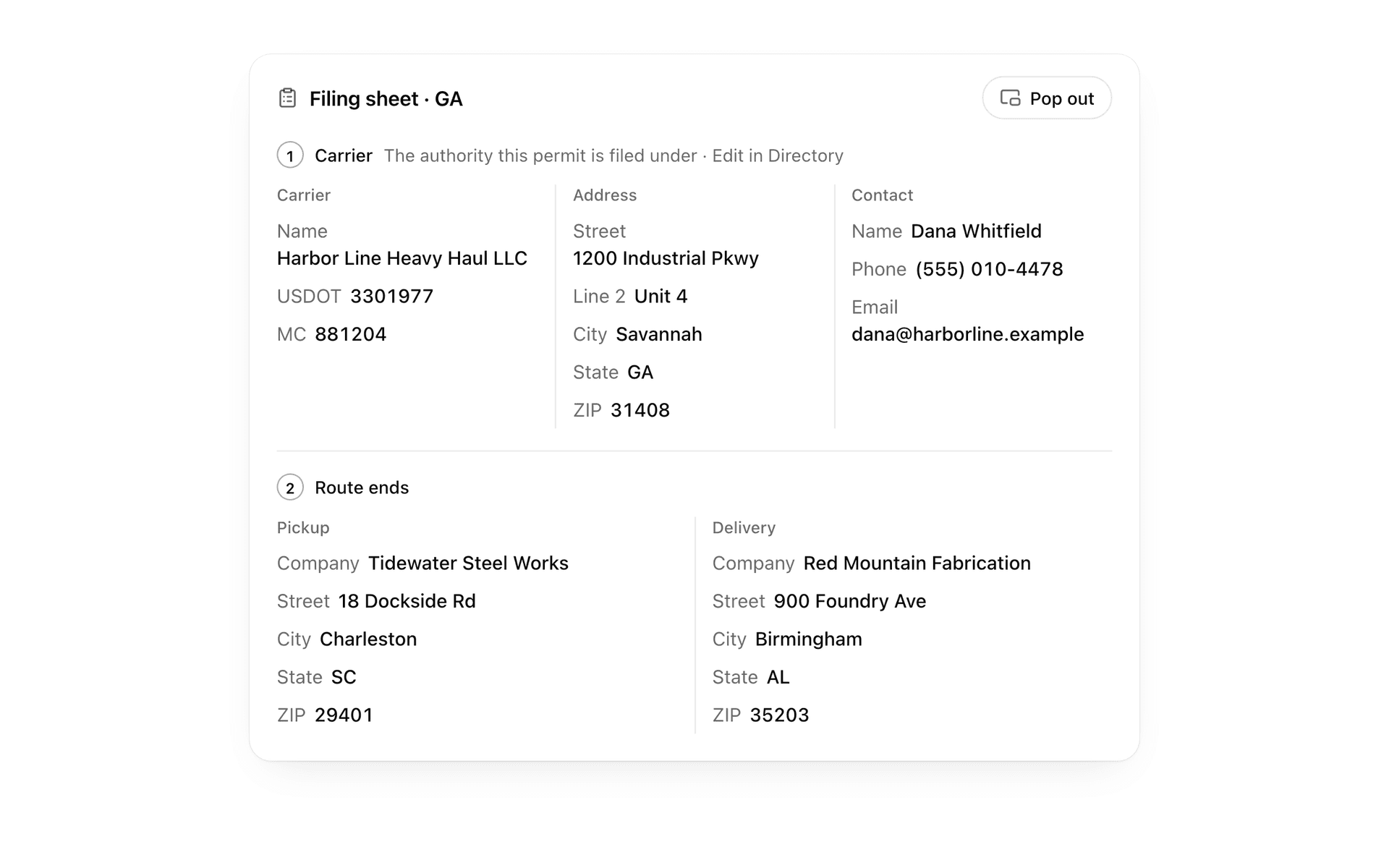
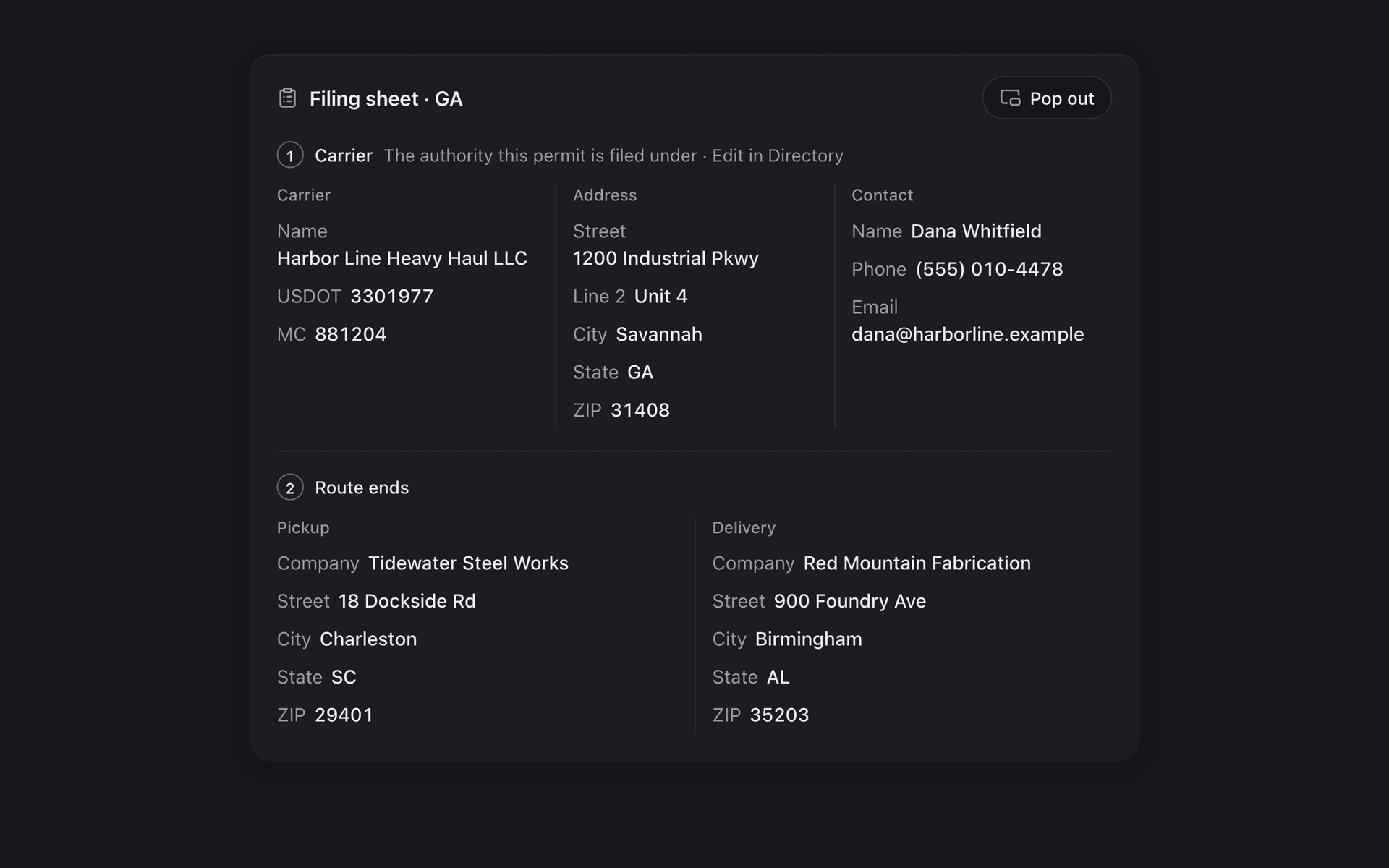
On each state’s page the filing sheet lists every value the portal asks for, in the portal’s order, with one-click copy and a trail of what was already copied. Pop it out and it floats over the state’s website while you type.
The route tool is a private Chrome extension that copies the route the state approved onto the right trip and state. It reads 25+ state portals, refuses a copy whose miles don’t match, fills the application on Florida only, and never presses Submit or Pay. It is in no public store: FleetLynk sets it up with you, and each computer then pairs with a one-time code from your Settings.
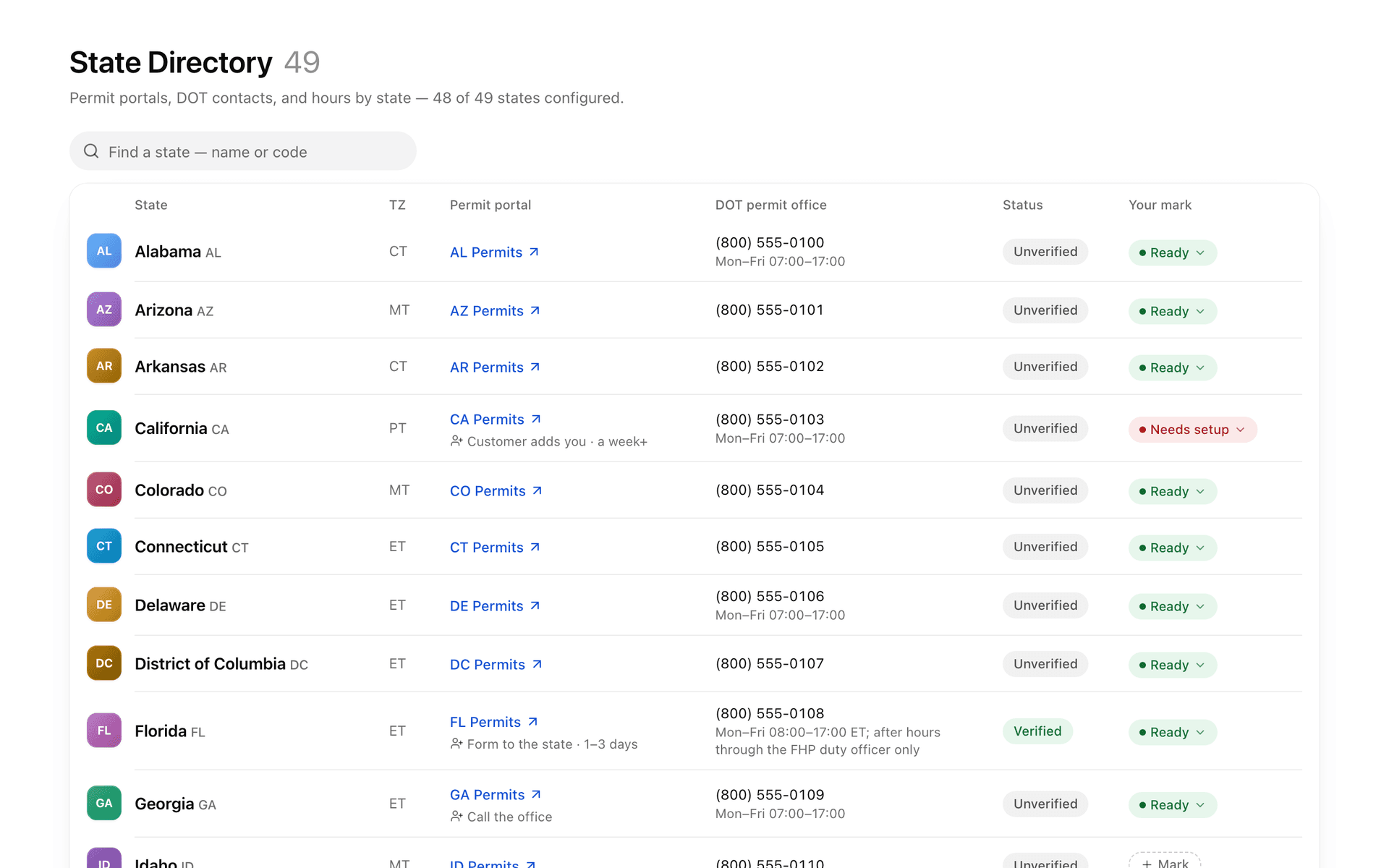
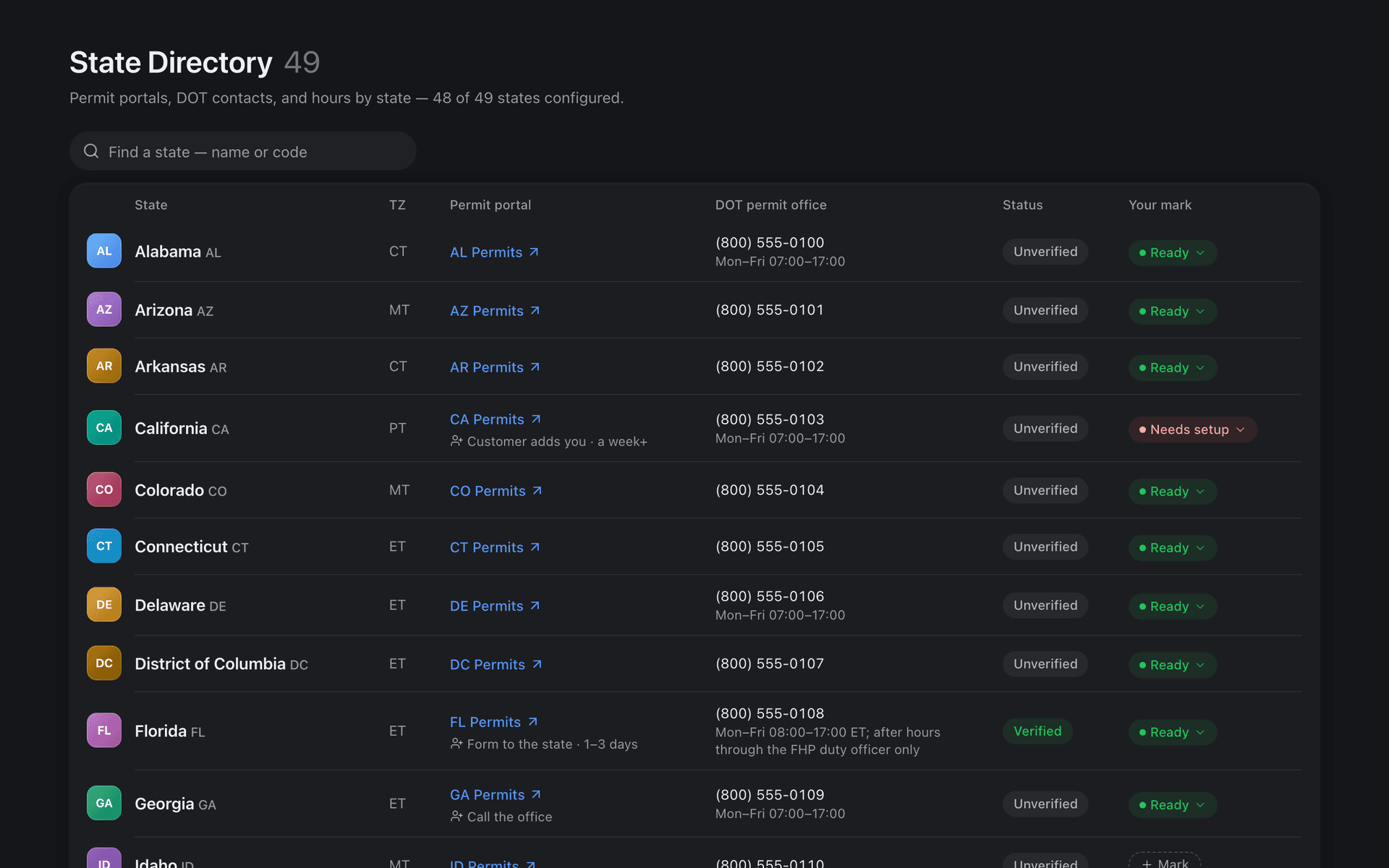
The State Directory covers 48 states + DC: the portal link, the DOT permit office’s phones, how a new customer gets set up and the papers that ride with every permit. Your team adds its own notes and marks, and saved portal logins stay encrypted, with every look at a password logged.
How does the permit reach the driver?
When your team uploads a permit, FleetLynk’s AI reads it and writes a short driver briefing: valid dates, travel hours, escorts, flags and lights. A second pass checks the briefing against the permit and adds a CHECK PERMIT line when something is off. Then the permit goes to the driver with it.
Each trip has one driver link: the route map, a card for each state, the PDFs and the briefing, with no login and never any money. It updates itself as permits arrive and expires after 90 days.
The AI fills the permit number and travel dates only where they are blank, and never the cost. A briefing that comes back badly wrong is not saved, and your team presses Regenerate.
How do I bill when the permits are in?
FleetLynk writes the invoice from what your office already recorded: each state’s fees, your service fee from the customer’s price, and other charges such as escort pay. Create one for a trip, or bill a customer’s whole week on one bill. Nobody retypes money, and a draft can be fixed before it goes out.
- Draft
- Sent
- Paid
Send gives the bill its number. A sent bill is never edited: if it was wrong you void it, the number stays used, and the trips can be billed again. One bill can carry a unit invoice per truck and still be paid once, and every bill has a PDF, a CSV export and a share link.
Card and bank payments through Stripe, and Zelle, are switched on office by office — ask us about yours. Where Stripe is on, the customer pays a 3% surcharge on a card, and a bank payment costs your office up to $5. Trip deposits are switched on per office too, and any bill can be marked paid by hand.
Finances, for admins only, shows what customers owe, what is late, what came in and what your office actually keeps. An invoice that is still clearing is never counted as late.
How does my team split the work?
FleetLynk gives a permit office three roles. Admins see everything: money, the team and your public listing. Team Leads and Dispatchers do the permit work on Received, the boards, the trips and the Directory, and a Team Lead may also fix a received trip’s load facts. Dispatchers see what a state was paid, never your price.
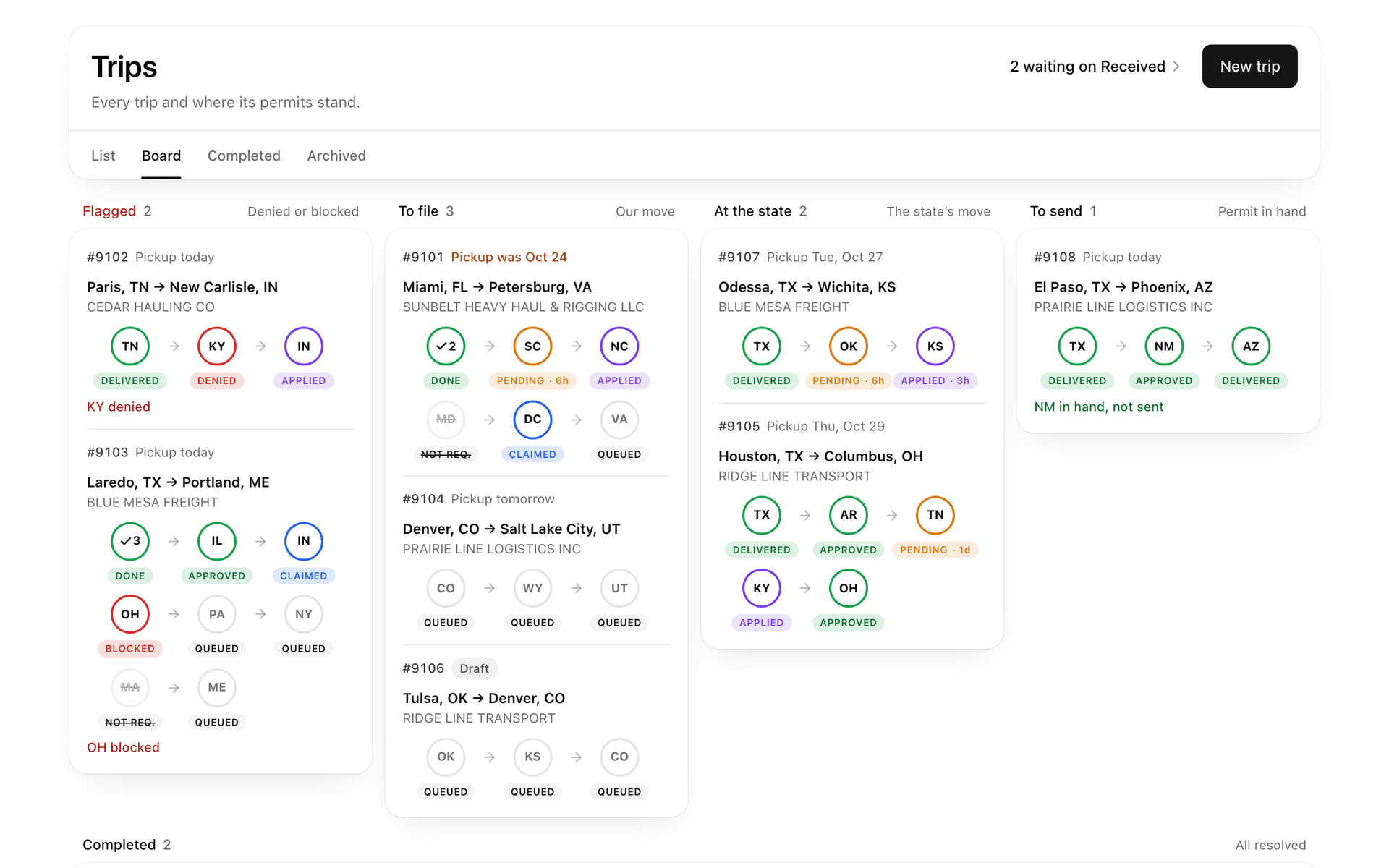
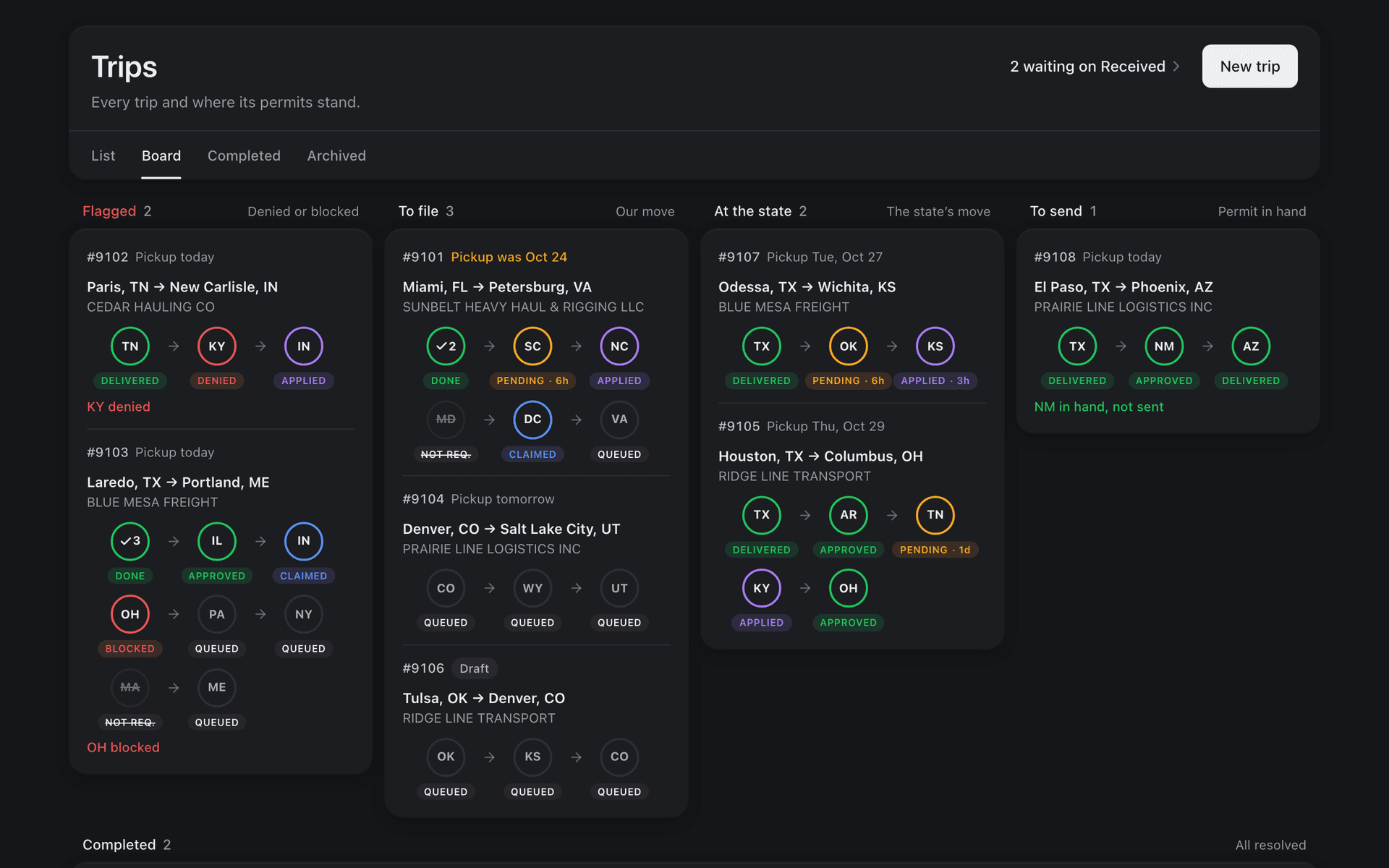
The Trips board shows the work as a list or a board, with Completed and Archived tabs, a quick look at any trip and a search that jumps to a trip by its number.
One Telegram chat hears what matters: a new application or web order, a permit in hand, a state blocked or denied, an invoice sent, money coming in or bouncing. A short recap arrives each morning after a day with news. Your team can also chat with a driver from the trip, and his answer lands on that same trip.
What does Permigo run on FleetLynk?
Permigo, a permit company that runs on FleetLynk, shows how the pieces fit for an office with its own website. Customers order on permigo.co and the order lands in Permigo’s Received inbox. Its public permit cost calculator has a File this route button that opens a FleetLynk trip already filled in with the load.
The calculator and its prices are Permigo’s own. FleetLynk sets no permit prices for any office: each office charges its customers its own service fee.
Try the calculator Permigo built for its customers
This link opens Permigo’s public permit cost calculator with an example load filled in: an oversize, overweight load from Houston, TX to Wichita, KS. From there, File this route starts the trip on FleetLynk.
At a glance
- Intake
- Carrier applications and customer web orders wait in one Received inbox; your own trips go straight to the boards.
- States
- A permit line for every state on the route; its status moves by itself as the desk files.
- Route tool
- Set up with you by FleetLynk. Reads 25+ state portals, fills the application on Florida only, never presses Submit or Pay.
- State Directory
- 48 states + DC: portal links, DOT phones, setup steps where a state has them, and your team’s own notes.
- Driver link
- One per trip. No login, never shows money, expires after 90 days.
- Billing
- Draft, Send, Void; one trip or a week on one bill; a unit invoice per truck.
- Alerts
- One Telegram chat for new orders, permits in hand, blocked states and money, plus a morning recap.
- Roles
- Admin, Team Lead and Dispatcher, and every page checks the role again.
- Finances
- For admins only: what customers owe, what is late, what came in and what the office keeps.
What FleetLynk doesn’t do. FleetLynk doesn’t buy permits, file them for you or set what they cost. Your office does the filing and charges its own fee; the route tool never presses Submit or Pay.
Frequently asked questions
Is FleetLynk a permit service?
Can my carriers see their permits?
How do my customers pay?
Where does the route tool work?
How do I add my team?
Run your permit desk on FleetLynk.
Email support@fleetlynk.co and we’ll set up your office with you, or sign up as a permit company and look around.